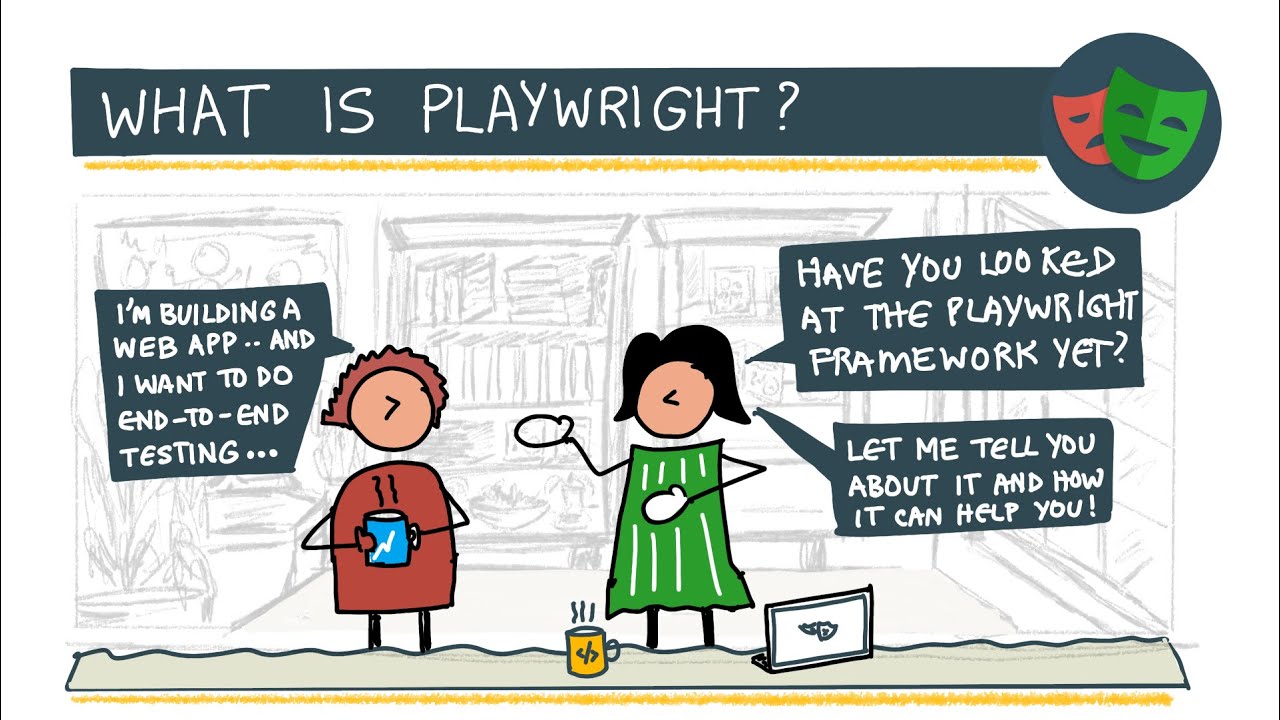
From Zero to Scalable: Building a Test Automation Framework with Playwright
When people talk about automation testing, they often think about “writing some scripts with Playwright or Cypress”. But in real projects, automation is not just about scripts. It’s about building a testing framework that is scalable, maintainable, and reliable. Playwright is the engine. The framework is how you design everything around it. In this blog, I’ll share how I use Playwright to build a testing framework from scratch, and why concepts like Page Object Model and Data-Driven Testing are essential.
1. Why Playwright?
I chose Playwright because:
- It supports modern web apps (React, NextJS, SPA)
- Built-in TypeScript support
- Can test:
-UI (E2E)
-API
-Multiple browsers
- Strong reporting (screenshots, videos, HTML reports)
- Fast and stable compared to older tools
Playwright fits perfectly for a Full-stack Test Engineer / SDET role where we need both UI and API testing in one place.
2. Automation Tool vs Testing Framework
This is a big misunderstanding:
- Playwright = automation tool
- Testing framework = architecture + structure + standards
Without a framework:
- Tests are hard to maintain
- UI change breaks many files
- Team cannot scale automation
With a framework:
- Code is clean
- Tests are reusable
- Easy for multiple people to work together
3. Project Structure
A simple but professional structure:
Each folder has a clear responsibility:
- pages → Page Object Model
- data → Test data
- e2e → UI test scenarios
- api → API tests
This already looks like a real test framework, not just scripts.
4. Page Object Model (POM)
POM is the backbone of any good automation framework.
Instead of writing selectors directly in tests:
We encapsulate UI inside a page class:
Test case becomes:
Benefits:
- Clean code
- Easy to read
- UI changes → fix one file
- Highly reusable
5. Data-Driven Testing
Instead of hard-coding data, we separate data from logic.
In test:
Benefits:
- One test logic → many test cases
- Easy to add new cases
- Higher coverage with less code
6. E2E + API in One Framework
With Playwright, we can test UI and API together.
Example API test:
This makes the framework truly full-stack:
- UI tests protect user experience
- API tests protect backend logic
7. Regression and Smoke Suites
In real projects:
- Smoke tests → check system is alive
- Regression tests → protect existing features
Example:
Before every release:
This becomes your safety net.
8. Reporting & Debugging
Playwright gives:
- Screenshot on failure
- Video recording
- HTML report
This is crucial in professional environments.
9. What “Building a Framework from Scratch” Really Means
It does NOT mean:
Rewriting Playwright
It means:
- Designing folder structure
- Applying POM
- Using Data Driven approach
- Writing reusable helpers
- Supporting API + UI tests
- Making it maintainable and scalable
In interviews, I usually explain it as:
“Playwright is my engine. The framework is how I design architecture, patterns, and structure so automation becomes a long-term asset, not just a set of scripts.”
10. Conclusion
A real automation engineer is not judged by how many scripts they write, but by:
- How maintainable their tests are
- How easy it is to extend
- How well they protect product quality
Playwright + a well-designed testing framework is a perfect foundation for a Full-stack Test Engineer / SDET role.
If you come from a development background, building your own testing framework is the best way to prove that you truly understand both engineering and quality.